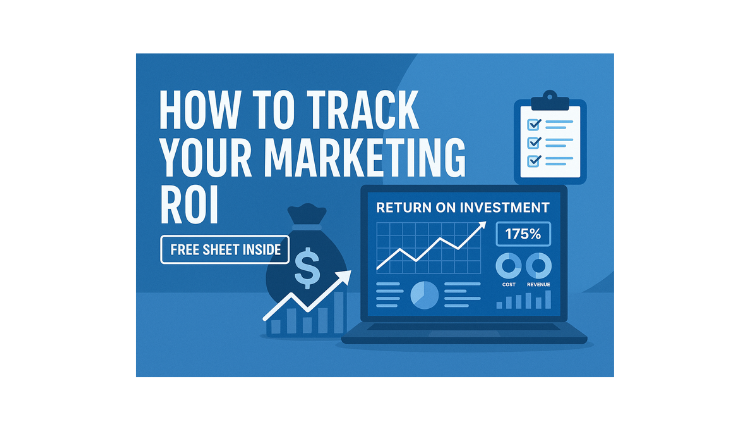
“How to Track Your Marketing ROI (Free Sheet Inside)”
How to Track Your Marketing ROI (Free Sheet Inside)
Why Tracking Marketing ROI Matters
First Impression Counts: ROI shows whether your marketing efforts are translating into real returns.
Impactful Decision-Making: Knowing your ROI helps you allocate budgets smartly and pivot inefficient strategies.
Tracking ROI can be complicated, but our IT & Digital Services at Help Me Buddy make it easier for businesses to monitor and optimize their marketing efforts.”
Understanding Marketing ROI
What Is Marketing ROI?
It’s the ratio of net profit generated from campaigns divided by the marketing cost.
ROI vs Other Metrics:
ROI tells you financial returns; metrics like CTR or impressions help assess engagement. Use both together for a full picture.
Essential Metrics You Need
Break down metrics by channel:
Digital Ads: Ad spend, conversions, click-through rate
Email Marketing: Open rate, click-through rate, subscription revenue
Social Media: Engagement rate, followers acquired, traffic referrals
Content Marketing: Leads generated, downloads, time on page
Events: Registrations, attendees, leads captured
Pro Tip: Choose key metrics for each channel to focus your analysis.
Tools & Templates You Can Use for Free
Google Sheets: Build customizable templates; add formulas to auto-calculate ROI.
Google Data Studio: Live dashboards pulling data from platforms.
Free Assets: Use templates from sources like HubSpot or Smartsheet to get started.
Step-by-Step: How to Track ROI Using the Free Sheet
1. Set Up the Template
Download or open the free ROI tracker sheet.
Add columns: Campaign, Channel, Spend, Revenue, ROI %, Notes.
2. Input Your Data
Fill in campaign names, marketing channel, and spend.
Update revenue generated from each campaign.
3. Calculate ROI Automatically
Use a formula like:
=(Revenue – Spend) / Spend * 100
The free sheet will auto-calculate ROI % once you enter revenue.
4.Visualize with Charts
Set up bar graphs or pie charts to compare ROI across campaigns.
Highlight high-performing vs underperforming campaigns.
5. Review and Adjust Regularly
Review your spreadsheet weekly or monthly.
Double down on high ROI campaigns, pause or adjust low performers.
Free Sheet Inside!
Include or link to your downloadable Google Sheets template:
Pre-built with formulas and example data.
Copyable for use with your team.
Set with conditional formatting – high ROI in green, low in red.
Tips & Common Pitfalls to Avoid
Do:
Update data consistently to avoid tracking gaps.
Clearly differentiate campaigns and channels.
Take note of attribution timing (e.g. delayed conversions).
Don’t:
Use vanity metrics (e.g., likes alone) without tying them to outcomes.
Overlook costs beyond ad spend – include tools, creative production, etc.
Ignore long-term ROI – track lifetime value if relevant.
Sample Use Cases
Small Business: Track sales from an Instagram ad campaign using the template to compare ROI against previous email campaigns.
E-Commerce Store: Compare Black Friday vs Holiday email campaigns to decide next year’s strategy.
SaaS Companies: Measure ROI from a webinar lead gen campaign vs paid search.
How Often Should You Update It?
Weekly: Active campaigns—quick visibility into trends.
Monthly: Broad performance overview, cost allocation decisions.
Quarterly/Yearly: Strategic budget planning and long-term forecasting.
“Maximizing marketing ROI is easier with the right tools. Explore our Help Me Buddy IT & Digital Services and get a clear strategy for your business today.”